Gemini 4 brings AI tasks closer to everyday work.
Google adds Argon to Gemini, with task mode and more app connections. Here’s where to start.
What happened
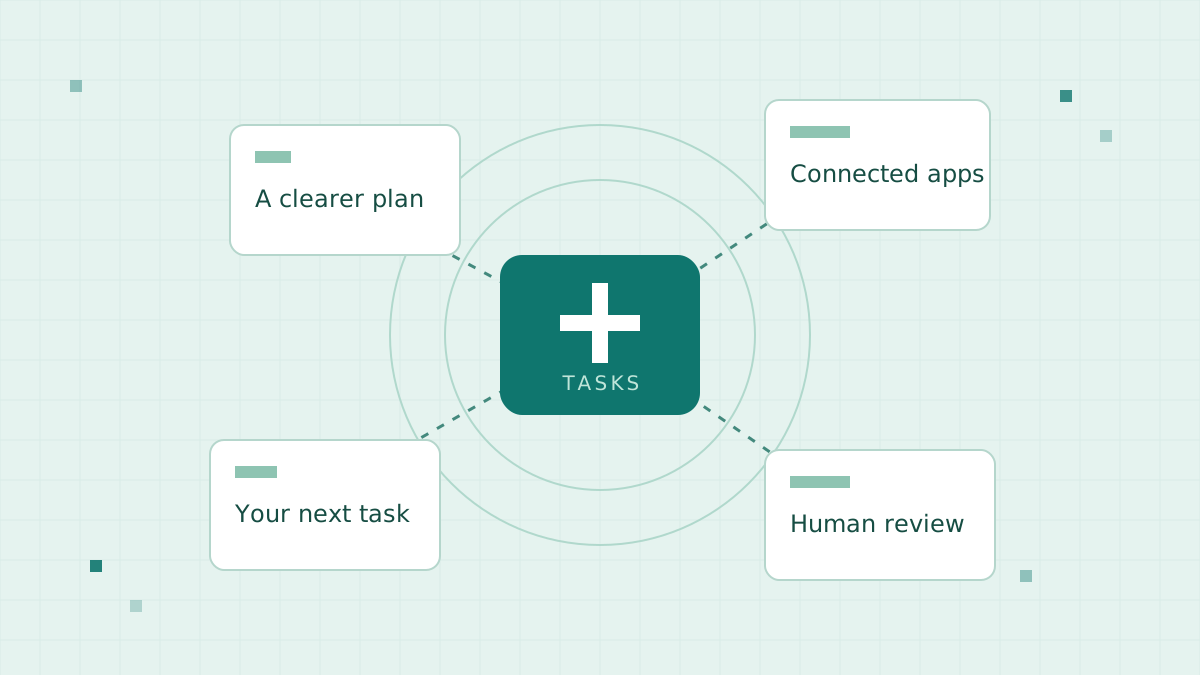
Google announced Gemini 4 Argon in the Gemini app on October 13. Its announcement describes a switch from chat to tasks, connections to more than 40 apps, and access for Google AI Pro and Ultra subscribers. Google says the model improves reasoning and coding.
Why it matters
The practical shift is from getting an answer to asking an assistant to carry out a workflow. App connections may reduce the steps between planning and action. This is our interpretation of the announcement, not an independent performance test.
How you can use it
Start with a reversible task: ask for a draft plan using information you are comfortable sharing. Check permissions before connecting an account. Keep human approval for purchases, bookings, or client-facing changes.
Compare the result with your usual process. Record the time spent checking it as well as the time saved. Availability and supported connections can vary; check Google’s linked announcement before subscribing.